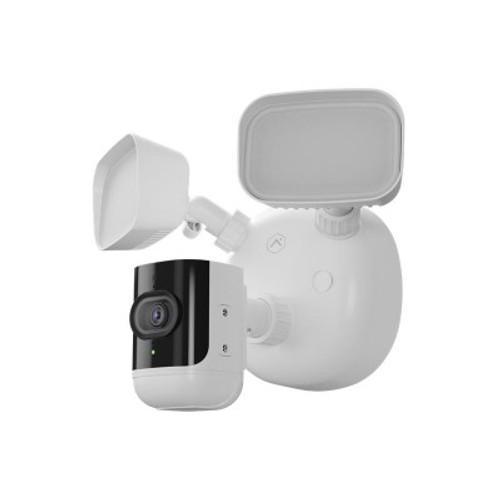


- Wireless technology Wi-Fi

PoE to Wi-Fi Bridge for Wired Camera Connectivity
SKU ADC-W110 Model ADC-W110
- Fast shipping from four branches
- 30-day returns on unopened products
Puts a wired camera on a wireless network. Where a camera position has no realistic cable route back to the switch but does have usable Wi-Fi coverage, this bridge takes the camera's Ethernet connection and carries it over the air instead.
Built for the installer
It solves a specific and expensive problem: the one camera on a job that would need a cable run through finished construction, across a car park, or into a building the customer does not own. Rather than pricing that run or dropping the position, the bridge puts it on the existing wireless.
The Ethernet interface is 10/100 Mbps with IEEE 802.3af PoE, and the wireless side is 802.11 b/g/n on 2.4 GHz with WEP, WPA and WPA2 supported. Use WPA2. Rated 32F to 113F.
Key features
- Puts a wired camera on Wi-Fi where a cable run is impractical or expensive
- Saves the position rather than dropping it from the design
- 802.3af PoE Ethernet interface at 10/100 Mbps
- WPA2 supported for a properly secured wireless link
- Compact at 2.4 x 2.2 x 3.6 in to sit near the camera
System requirements
Requires a 2.4 GHz wireless network with usable signal at the camera position, and an Ethernet camera to bridge. Rated for indoor use at 32F to 113F. Verify signal strength at the intended location before committing to the design.
Specifications
| SKU | ADC-W110 |
|---|---|
| Brand | Alarm.com |
| Wireless | IEEE 802.11 b/g/n, 2.4 GHz |
| Dimensions | 2.4 x 2.2 x 3.6 in |
| Form factor | PoE to Wi-Fi bridge |
| Ethernet interface | 10/100 Mbps RJ-45, IEEE 802.3af PoE |
| Wi-Fi security | WEP, WPA, WPA2 |
| Operating temp | 32F to 113F (0C to 45C) |
| Operating humidity | Less than 90% |
FAQs
When should a Wi-Fi bridge be used instead of running cable?
Which wireless security should be configured?
Does it support 5 GHz Wi-Fi?
More in IP Accessories
All IP Accessories-
Alarm.com
Alarm.com | 4MP Wi-Fi Floodlight Camera with Strobe & Two-Way Audio | ADC-V729AC
ADC-V729AC -
Alarm.com
Alarm.com | Skybell Slim-Line II Wi-Fi Doorbell Camera, Satin Nickel | ADC-VDB105X
ADC-VDB105X